
10 INCH DISPLAY DIGITAL MICROSCOPE 1200X
Description
10 INCH DISPLAY DIGITAL MICROSCOPE 1200X with HDMI/USB output Extra Led Lights and Batteries
Specifications
Video Maximum Pixel: 1080P
Screen: 10.1-inch IPS LCD display with 1024*600 resolution
Lens Optic Size: 1/2.8"
Photo Resolution: 2M,3M,5M,8M,10M,12M,16M,20M, 24M,
Video Resolution: 720P, 1080P
Video Format: MP4
Focus Mode: Manual
Picture Format: JPG
Illuminant: 8 LED lights (brightness adjustable)
PC Operating System: Windows 7, Windows 8.1, Windows10, Mac OS x 12 or higher
Interface and Signal Transmission Mode: Micro/USB 2.0/ Mini HDMI
Operating Temperature: -10°C~+55°C
Operating Humidity: 30%-85%RH
Working Current: 700mA
Power Dissipation: 3.5W
Language: English, French, Spanish, Portuguese, German, Italian, Simplified Chinese, Traditional Chinese, Russian, Japanese, Korean
Work with TV
Operating steps
Step 1. Connect LP101 to the TV via a HDMI cable
Step 2. After successful HDMI connection, the microscope will be turned on and the image will appear on the display. At this time, microscope button and remote-control button can be operated; when operating photo/video, the file will be automatically saved in TF card.
Photo mode
When the icon in the upper left corner of the microscope is Photo mode when the microscope is on, short press the Menu button on the microscope or short press the Photo button on the remote control, it can switch to Photo mode.
Video mode
When the icon on the upper left corner of the microscope is "it is in Video mode, when the microscope is on, short press the Menu button on the microscope or short press the Video button on the remote control, it can switch to Video mode
Work with PC
Software download - Download the applicable software
Packing List
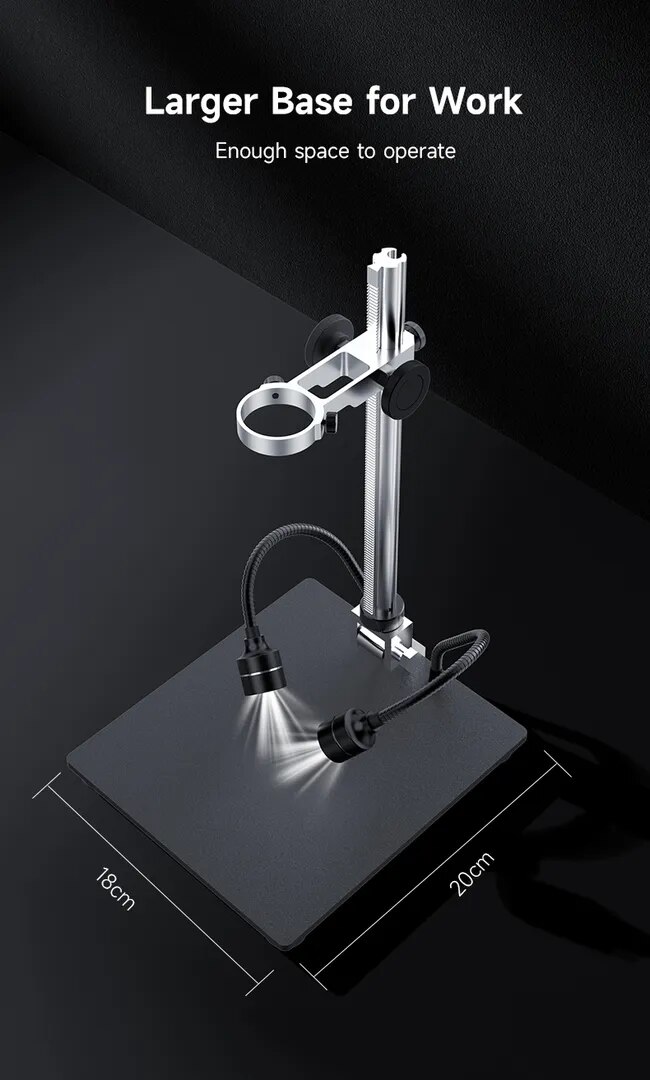
Microscope, Bracket, Base, Type-C cable, Mini HDMI Cable, USB Cable, Straightdge, User Manual, Wireless Remote Control,
ORIGIN: GABY INSTRUMENTS